NORDIC ZENDESK PARTNER

Customer service system
with Zendesk.

With Zendesk, you get one system for handling customer enquiries from email, chat, phone and other channels. Kundelab helps you with licences, setup, further development and ongoing management of the solution.

Get a tailored demo


Hege2

In good company.


A selection of customers who have chosen Kundelab as their Zendesk partner.

How Zendesk works as a customer service system.

When several people handle customer enquiries, it can be difficult to keep track of who is following up on what. With Zendesk, you can assign tickets, automate manual tasks and see which enquiries are still waiting for a reply.

Accordian_agent_ticketing_stay_connected_01-1

01 · UNIFIED TICKET MANAGEMENT

Bring all customer enquiries together in one place.

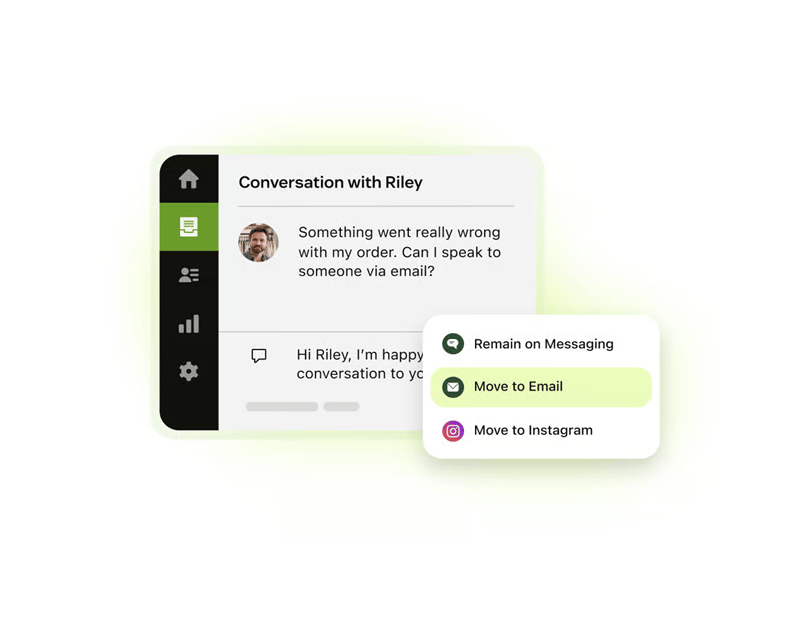
Zendesk brings email, chat, messaging and telephony together in one workspace. With customer history and relevant information readily available, agents can provide helpful support without switching between systems.

  • All channels in one place.
    Handle enquiries across channels, with an overview of previous conversations and customer history.

  • Intelligent, automated ticket routing.
    Prioritise and route enquiries based on availability, capacity and expertise.

  • Efficient ticket handling.
    Use standard replies, find relevant articles and collaborate with colleagues directly in the ticket.

ProductImagery_AIAgent_Messaging_CustomEntityIntent__en_us

02 · AI FOR CUSTOMERS AND AGENTS

Let AI handle tasks and support your team.

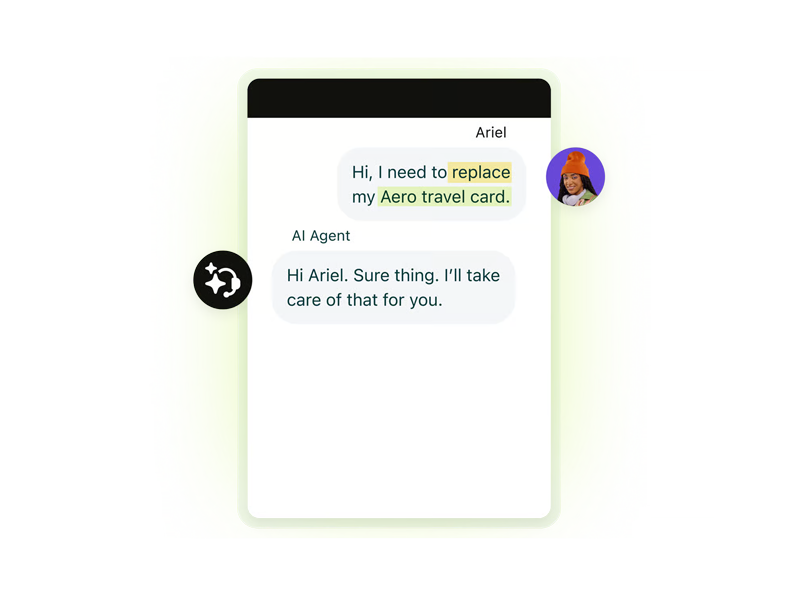
AI agents can handle customer enquiries automatically, retrieve information from other systems and carry out tasks. When an enquiry requires human assistance, it can be transferred to an agent with the relevant information.

Copilot helps agents summarise tickets, suggest replies and next steps, and carry out approved actions directly in Zendesk or external systems.
More about AI agents →    More about Copilot →

Accordian_admin_ticketing_integration_03-1

03 · FLEXIBILITY AND INSIGHT

Connect customer service to the rest of your company.

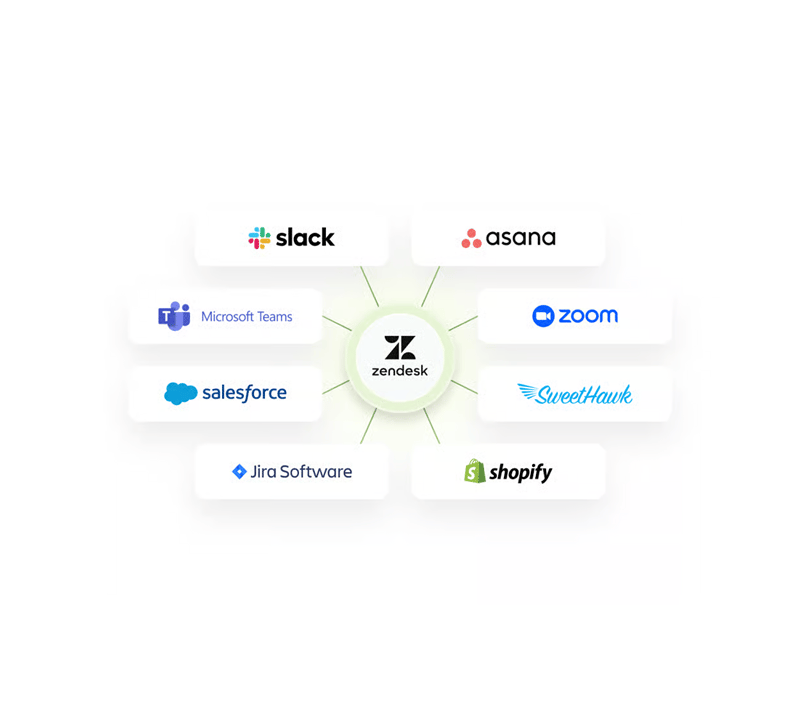
Zendesk can be tailored to your company's needs and connected to the systems you already use. With ready-made integrations or custom solutions, agents can access information about customers, orders, products and agreements directly while handling tickets.

At Amundsen Sports we have made over 500 products available in Zendesk, making it easier for the customer service team to find the right product when helping customers.

Reporting in Zendesk gives your company an overview of enquiries, response times and results, so you can identify opportunities for improvement.

Get a tailored demo

Zendesk is one of the market's leading solutions

Gartner® Magic Quadrant™ is one of the world's most recognised evaluations of technology and service providers.
In 2025, Zendesk was once again positioned as a Leader in Customer Engagement Center.


Read more

KUNDELAB

Norwegian Zendesk specialists.

We help you identify the Zendesk capabilities that match your company’s needs and tailor the solution to the way your team works. 

Certified Zendesk consultants Our own apps in Zendesk Marketplace

40+

years of combined Zendesk experience

300+

implementation and optimisation projects

100%

focus on Zendesk

01 · NEEDS ASSESSMENT

Find the right solution.

We assess your needs and help you choose the right Zendesk licences and features for the way your team works.

See Zendesk plans and pricing →

02 · SETUP

Set up
Zendesk.

We set up Zendesk, connect it to other systems and ensure testing and training are completed before launch.

From setup to launch →

03 · FURTHER DEVELOPMENT

Improve over time.

We help you manage, automate and further develop Zendesk. We can also improve existing setups.

Read about ongoing management →

Customer experiences

AI IN PRACTICE AT EASEE

Over 40%

of tickets created through the chatbot are handled by AI.

AI that reduces the workload for customer service.

At Easee, AI agents respond to customer enquiries, while automation simplifies parts of warranty and returns handling. This reduces manual work and makes it easier for the team to follow up on tickets.

See what we have done together with Easee →

“Kundelab has supported us with both administration and optimisation of our customer service processes in Zendesk. We greatly appreciate their proactive approach, ensuring that new features are implemented and put to use.”

Ole Rosland  |  Service Optimization Specialist at Easee

E C Dahls Eiendom

Connecting customer conversations and property operations.

A shared customer service centre, a tenant portal and integration with Plania create a stronger connection between enquiries, buildings, tenancies and follow-up.


Read the customer story

Amundsen Sports

From manual follow-up to structure and product insight.

Zendesk, Copilot and a new help centre give the team better support when handling enquiries. Dedicated workflows tailor follow-up to customers, dealers and stores.


Read the customer story

PRICING AND SCOPE

What does a customer service system with Zendesk cost?

You pay for licences, relevant add-ons and the work needed to get started. We provide an overview of initial and ongoing costs.

Implementation, any migration and integrations are priced according to the agreed scope.

We help you choose the right level based on your company's needs.


PRICING EXAMPLE · 1 USER

NOK 1,439 per month, billed annually. Excl. VAT.


The example includes one user subscription with Suite Professional and Copilot.

See Zendesk pricing and plans


TAILORED DEMO

See how Zendesk
could work for your team.

We show you how Zendesk can help you manage customer enquiries, automate tasks and streamline workflows.

  • See how your team can receive, assign and follow up on customer enquiries.
  • Get practical examples of what AI and integrations can do.
  • Get advice on licences, setup and the options that best suit your needs.

Fill in the form and we will contact you to arrange a no-obligation demo. Feel free to tell us which channels or systems you currently use.


Good to know before choosing a customer service system


A customer service system is primarily designed to handle enquiries, assign responsibility and follow up on tickets. CRM is often used for customer relationships and sales follow-up, and may also include service features. Zendesk can connect to the CRM you already use, giving your customer service team access to relevant customer information.

Zendesk can be adapted for B2B support, consumer customer service and member services. It is particularly relevant when several people need to collaborate on enquiries, follow-up is manual or the team lacks an overview. We clarify your needs, workflows and system connections before recommending a setup.

The price depends on the number of users, licence plan and any add-ons. Implementation, migration and integrations are agreed separately. See plans and pricing, or ask us to assess your needs.

AI agents handle customer conversations and defined tasks. Copilot supports agents with summaries, draft replies, guidance and approved actions. Copilot is available as an add-on or as part of an applicable package. AI availability, usage and costs depend on the agreement and setup you choose.

An existing customer service email address can be connected to Zendesk using a supported email setup, so customers can continue using the same address. Which historical data should be moved, and how it can be imported, depends on your current system and data quality. We plan and test the transition together with you.

Yes. Zendesk has apps and APIs that can connect systems. This can give your team access to order, customer and product information while handling a ticket. Kundelab helps with ready-made connections and custom integrations. We clarify which data and actions each solution needs to support.

The time required depends on your team, channels, migration, integrations and the scope of customisation. We start with your needs and priorities, and create a plan for setup, testing, training and launch. You can start with the most important workflows and expand later. Read about Zendesk implementation.